Assessing Student WorkIn addition to using the traditional rubric we suggest the implementation of badges to create incentives for students to complete their work. What are badges? Badges are also an exciting way to motivate your students to practice digital literacy while tackling skills in any given area. The badges carry data on them so that students, teachers, employers, and anyone can easily share the skills they've acquired. A 1-2 day lesson should be set aside to show students the different ways they can earn badges both in the classroom, with other teachers (possibly!), and beyond the school curriculum.
For this unit, we created badges for three different skill sets: 1. CONTENT- successfully completing a circuit.  2. TECHNOLOGY - using Webmaker tools to design a reflection piece about the project. 
Awarding badges is VERY easy and can be done several different ways. You may want to have something immediate, tangible, and visible in the classroom in the form of charts, stickers, coins. etc. 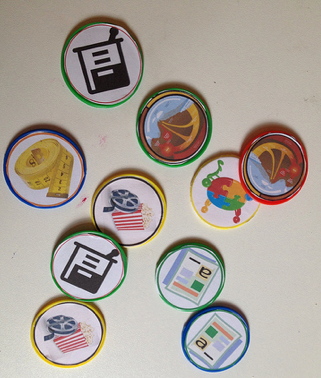 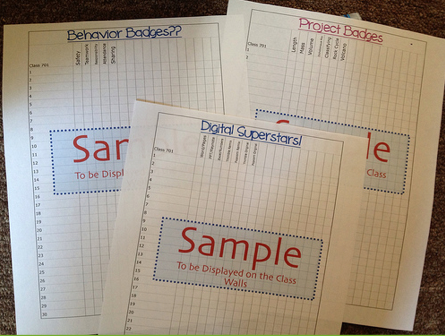 Digitally, you can award badges by using badg.us. You begin by creating or finding the badges that are appropriate for your unit. Creating badges is easy. You input the information (metadata) required for the badge, upload an image of it, and then award them. You can award badges two different ways: 1. You send your students the badge via email. They receive the email and then move the badge to a storage site Mozilla Backpack or they may choose to even publish it. 2. You can print sticker labels that have claim codes. Students enter the codes manually to receive the badge. 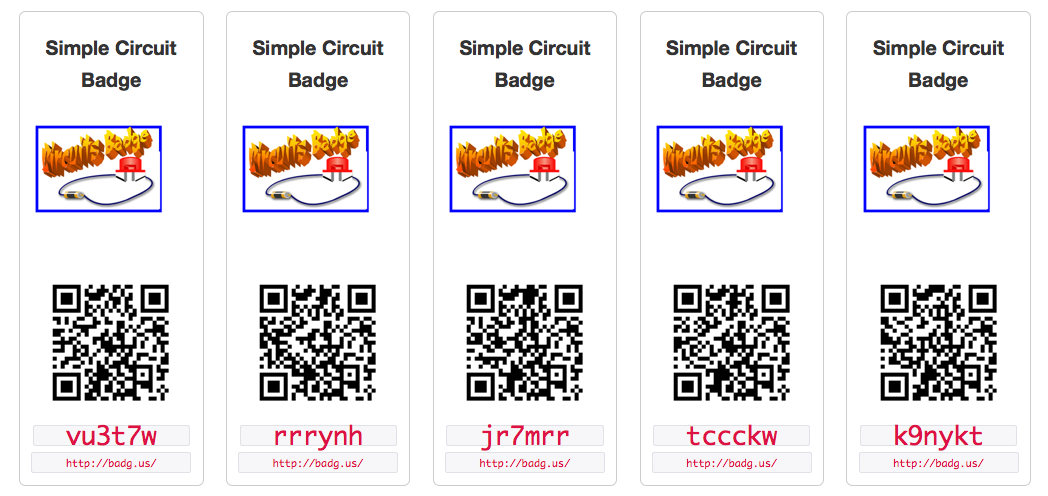 Click the following for the Circuit and Collaboration badge codes.
Webmaker Tools normally award their own badges. You can find more information on their badges here.
|


